

Download OneShar es – Free, Secure One‑Time Message Encryption Tool
Overview
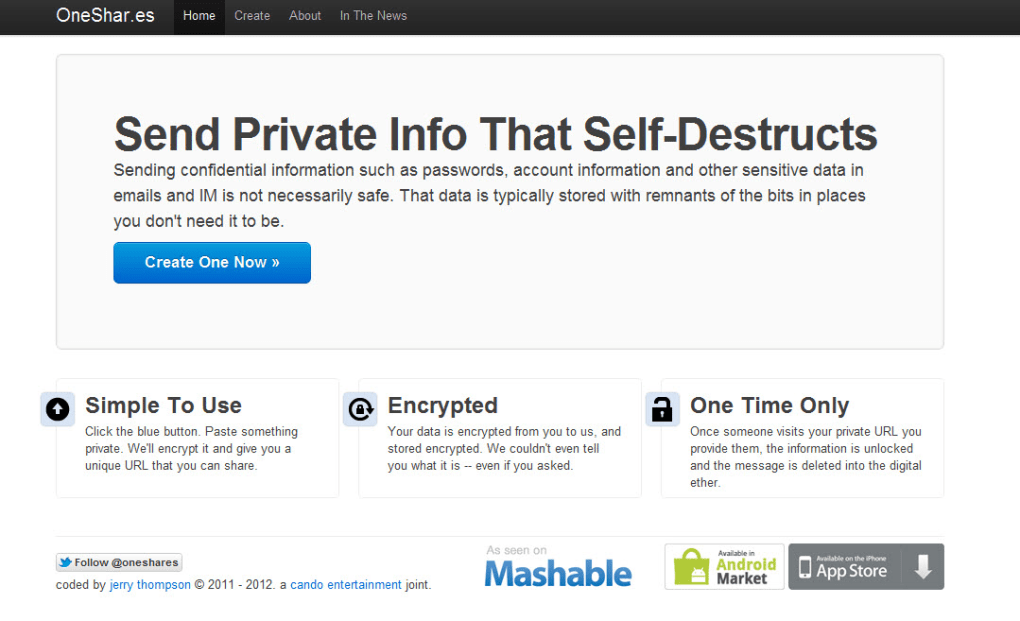
OneShar.es is a lightweight, web‑based encryption service designed for anyone who needs to share confidential data without the risk of long‑term storage or interception. The platform eliminates the need for registration, passwords, or third‑party apps, allowing users to type a short message—up to 1,000 characters—into a clean interface and instantly generate a self‑destructing link. That link can be sent via email, chat, or any other communication channel. Once the recipient clicks the link, the message is displayed a single time and then disappears forever, ensuring that passwords, license keys, or personal identifiers never linger on a server.
Security is at the heart of OneShar.es. The service employs end‑to‑end encryption, meaning the plaintext never travels across the internet unprotected. The encryption key is derived from a random token embedded in the URL, and the server stores only the ciphertext. When the link is accessed, the client‑side script decrypts the data locally, shows it to the user, and then wipes the ciphertext from memory and the server. If the link is opened a second time, the server returns a “message not found” response, guaranteeing that a single read is the maximum exposure.
Because the tool runs entirely in the browser, it works on any modern operating system—Windows, macOS, Linux, Android, or iOS—without the need for additional software installations. This makes OneShar.es a perfect companion for remote teams, support technicians, or everyday users who must transmit a single-use credential quickly and safely. Its free nature and zero‑friction onboarding have made it a popular alternative to traditional email or text messaging, which often lack built‑in expiration or encryption capabilities.
Core Features
- One‑Click Self‑Destructing Links – Each generated URL works only once; after the first view the message is permanently deleted.
- End‑to‑End Browser Encryption – All encryption and decryption happen client‑side, keeping plaintext out of the server’s logs.
- No Registration Required – Users can start sending secure messages instantly, without creating an account or remembering a password.
- Character Limit of 1,000 – Sufficient for passwords, API keys, short notes, or verification codes while keeping the payload lightweight.
- Clipboard Copy Support – Generated links can be copied to the clipboard with a single button, reducing copy‑paste errors.
- Cross‑Platform Compatibility – Works on any device with a modern web browser, including desktop and mobile operating systems.
- Open‑Source Transparency – The encryption algorithm and client code are publicly available, allowing security researchers to audit the implementation.
- Automatic Expiration on Refresh – If the recipient refreshes the page before reading, the message is lost, encouraging careful handling.
- Free of Charge – No hidden fees, subscription tiers, or ads; the service is fully funded by voluntary donations.
- Simple UI – A clean, distraction‑free interface that focuses on the message input and link generation.
These features combine to create a secure, user‑friendly experience that addresses the most common pain points of sharing sensitive information online. The self‑destructing nature of the links mitigates the risk of accidental exposure, while the client‑side encryption ensures that even if the server were compromised, the attacker could not retrieve the plaintext. Additionally, the lack of registration removes the overhead of managing another set of credentials, which is often a source of phishing attacks. For organizations that need to exchange one‑time passwords (OTPs) or temporary API tokens, OneShar.es offers a compliant, audit‑ready solution that aligns with many data‑protection regulations.
Installation & Usage Instructions
Because OneShar.es is a purely web‑based service, there is no traditional installation process. The steps below walk you through creating and consuming a secure message, whether you are on a Windows PC, a Mac, an Android phone, or an iOS tablet.
Creating a Secure Message
- Open your preferred browser (Chrome, Firefox, Edge, Safari, or any modern mobile browser).
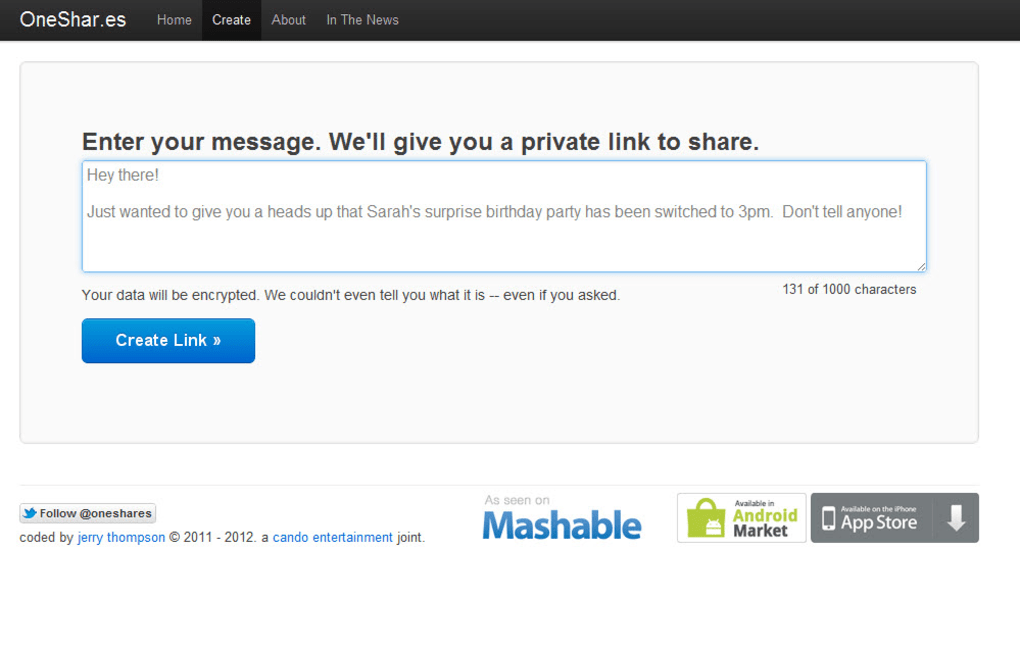
- Navigate to https://oneShar.es. The homepage presents a single text box.
- Type your confidential information—such as a password, license key, or private URL—into the box. Remember the 1,000‑character limit.
- Click the “Generate Secure Link” button. The platform encrypts the message locally and displays a unique URL.
- Press the “Copy to Clipboard” button to copy the link, or manually highlight and copy it.
- Paste the link into an email, instant message, or any communication channel you trust. Inform the recipient that the link is single‑use and must be opened immediately.
Receiving and Reading the Message
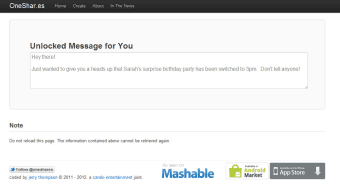
- When the recipient clicks the link, the page loads a brief “Decrypting…” notice while the client‑side script processes the ciphertext.
- After decryption, the confidential message appears on the screen. The user should copy the information to a secure location (password manager, encrypted note, etc.) before leaving the page.
- Once the page is closed or refreshed, the message is irrevocably removed from the server. Attempting to reload the link will display a “Message not found” error.
For optimal security, advise recipients to open the link on a trusted device and to avoid copying the link into public or shared browsers. If a link is accidentally clicked by the sender, the message will be consumed and a new link must be generated. This “one‑read” policy, while strict, eliminates the possibility of message interception after the first view.
Advanced users can also integrate OneShar.es into automation scripts by using the public API (if available) to generate links programmatically, but the core web interface remains the simplest and most reliable method for everyday use.
Compatibility, Pros & Cons
OneShar.es runs on any operating system that supports a modern web browser, including Windows 10/11, macOS Ventura, Linux distributions, Android 12+, and iOS 16+. Because the encryption is performed in JavaScript, no additional plugins or extensions are required, and the service works equally well on desktop and mobile devices.
Pros
- Zero‑installation, instantly accessible from any browser.
- End‑to‑end encryption guarantees that only the intended recipient can view the plaintext.
- Self‑destructing link eliminates the risk of lingering sensitive data.
- No account creation, reducing attack surface and user friction.
- Free to use with no hidden costs or advertising.
- Open‑source code fosters transparency and community trust.
Cons
- Message length limited to 1,000 characters, which may be insufficient for large documents.
- Single‑use nature means the sender must be certain the recipient will open the link promptly.
- If the recipient’s device is compromised, the decrypted message could be exposed locally.
- No built‑in password manager or storage for future reference; users must store the data elsewhere.
- Reliance on internet connectivity; offline use is not possible.
Overall Rating: 4.5 / 5
OneShar.es shines as a simple, secure solution for one‑time secret sharing. Its browser‑only approach makes it universally compatible, while the self‑destructing link model offers peace of mind for both casual users and professionals. The primary drawbacks—character limit and single‑use restriction—are understandable trade‑offs for the high security level. For anyone needing a quick, free way to send passwords or keys without lingering records, OneShar.es is an excellent choice.
Frequently Asked Questions
Is OneShar.es really free, or are there hidden fees?
OneShar.es is completely free to use. There are no subscription tiers, premium accounts, or hidden advertising. The service is funded by voluntary donations, and all core features—including encryption, link generation, and self‑destruction—are available to every user without charge.
How does the encryption work and can I trust it?
The encryption is performed entirely in the user’s browser using the AES‑256‑GCM algorithm. The encryption key is derived from a random token embedded in the generated URL, meaning the server never sees the key or the plaintext. Because the source code is open‑source, security researchers can audit the implementation, providing an additional layer of trust.
What happens if I accidentally click my own link?
The link is designed to be single‑use. If you click it before the intended recipient, the message will be displayed to you and then immediately destroyed. You will need to generate a new link for the recipient, which reinforces the “one‑read” security model.
Can I use OneShar.es on a mobile device?
Yes. The service works on any modern mobile browser (Chrome, Safari, Firefox, Edge). The interface automatically adapts to smaller screens, and the “Copy to Clipboard” button makes it easy to share the generated link via messaging apps or email.
Is there any way to retrieve a message after it has been read?
No. Once the link is accessed, the server deletes the encrypted payload, and the client removes the decrypted data from memory. This irreversible process is the core security feature of OneShar.es, ensuring that no copy of the message can be recovered after the single view.
Conclusion & Call to Action
OneShar.es offers a seamless, free, and highly secure method for transmitting one‑time secrets across the internet. Its browser‑only design eliminates the need for installations, while end‑to‑end encryption and single‑use links protect your data from interception and accidental exposure. Whether you’re a developer sharing an API key, a support technician sending a temporary password, or just a friend who needs to pass a confidential note, OneShar.es delivers a trustworthy solution that respects privacy.
Ready to experience the peace of mind that comes with truly self‑destructing messages? Visit OneShar.es now and generate your first secure link instantly—no account, no cost, just secure communication.



.png)



